Whoogy for Freelancers
Deliver Better Websites. Reduce Avoidable Revisions.
Before sending your next website to a client, use Whoogy to identify issues that could otherwise become another round of revisions.
Your first scan is free for one page.
The challenge
Why Freelancers need a better website QA workflow
Manual checks miss details. Whoogy makes quality repeatable.
Revision rounds cost time
Avoidable issues turn into extra client revisions.
No QA team
You are the designer, developer and tester.
Hard to show quality
Clients want proof the site was checked.
What you can do
Test smarter with Whoogy
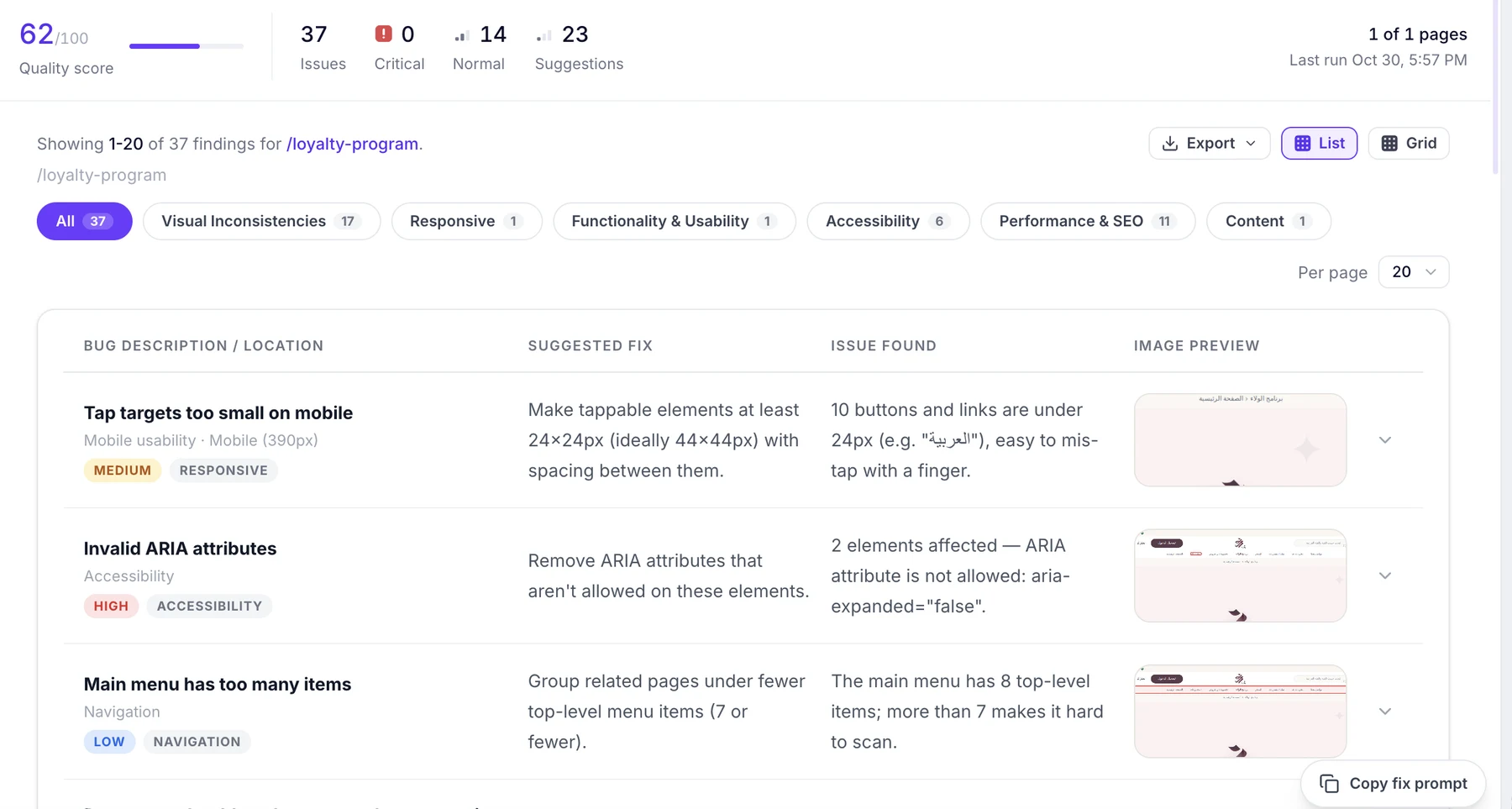
Audit live websites, compare Figma designs, and share structured reports.
Check website quality before delivery.
- Compare designs against implementation.
- Identify visual issues.
- Generate downloadable reports.
How to use Whoogy
Use Whoogy your way
Three ways to test. Pick the one that fits how you already work.
Web app
Paste your URL, add a Figma link if you have one, and run a test from the browser.
Start in the web appFigma plugin
Send frames from Figma and compare them with the live website without leaving your design file.
Explore the pluginClaude MCP
Ask Claude to audit a site and get findings and fix prompts in the same conversation.
Explore Claude MCPAdd your website URL
Whoogy discovers available pages automatically.
Add a Figma link
Optional. Compare selected frames with live pages.
Run the checks
Visual quality, SEO, accessibility, usability and responsiveness.
Share and fix
Export PDF or CSV and copy AI fix prompts.
FAQ
Whoogy for Freelancers: FAQ
How can freelancers use Whoogy?
Audit a client site before delivery and compare it with the approved design to catch issues that would become revision requests.
Is Whoogy affordable for solo work?
You pay for what you test, and your first scan is free for one page.
Can I show clients a report?
Yes. Export structured reports as PDF or CSV.
Do I need to install anything?
No. The web app works without a plugin. The Figma plugin and Claude MCP are optional.
Whoogy for other teams
Ready to test your website?
Run your first scan free for one page and see what Whoogy finds.
Test smarter. Fix faster. Ship better.