Connect Whoogy to Claude
Set up Whoogy MCP to access website testing capabilities through Claude.
Connect Whoogy to Claude to run website testing, identify UI issues, and access test results directly through your AI workflow.
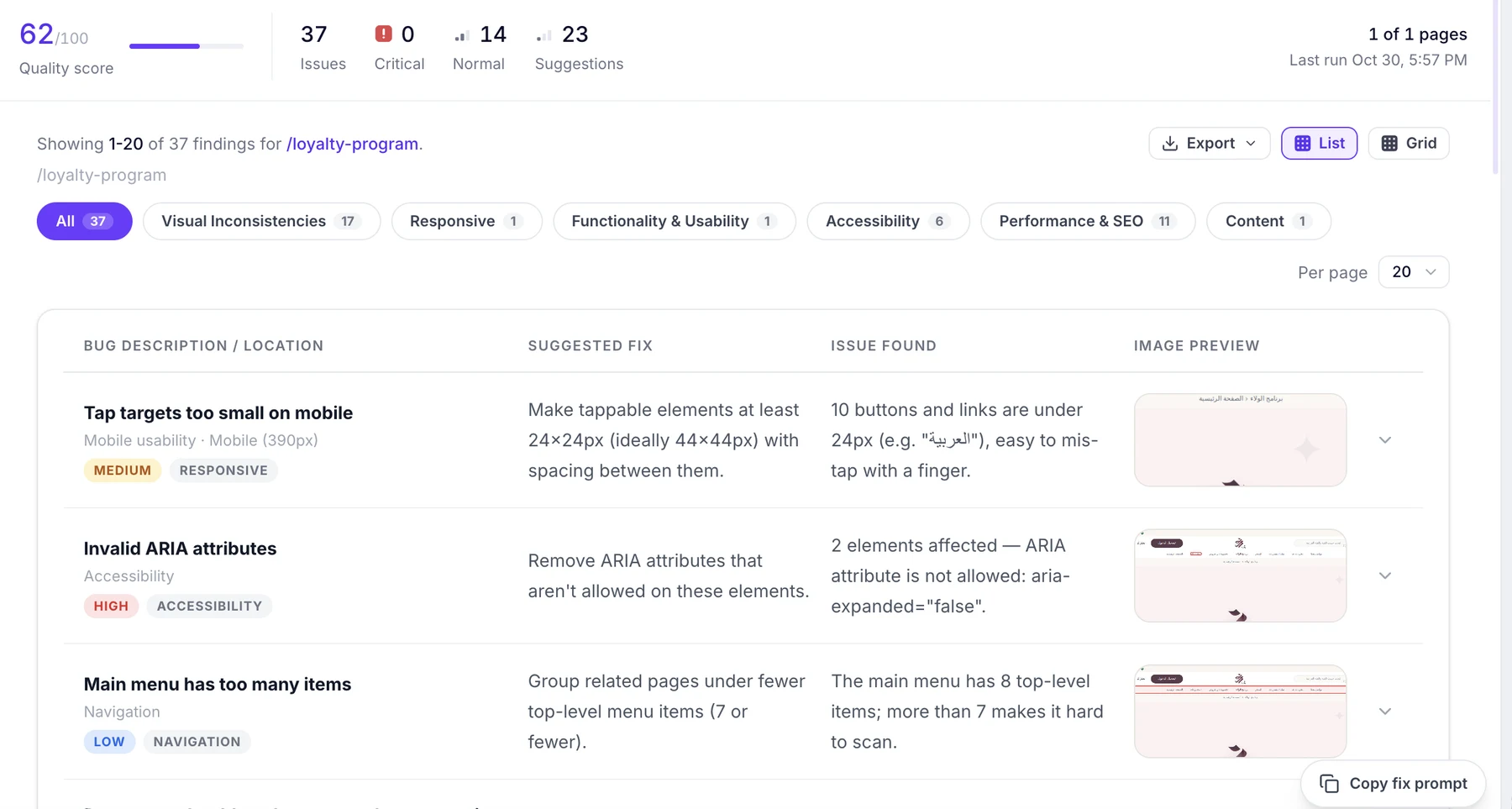
Your audit is ready. Here is what needs attention first:
Test AI-generated websites for UI issues, responsiveness, and quality. Get actionable findings your AI assistant can fix.
Set up Whoogy MCP to access website testing capabilities through Claude.
Use Claude to run supported Whoogy testing actions.
Identify UI issues and understand what needs fixing.
Use testing insights to refine and improve your website.
Bring testing into the conversations where you already build.
Connect Whoogy to Claude and bring website testing into your AI-assisted development workflow.
Prefer another way to test? Use the web app or the Figma plugin.