

Catch Every Pixel Design QAMisses Automatically
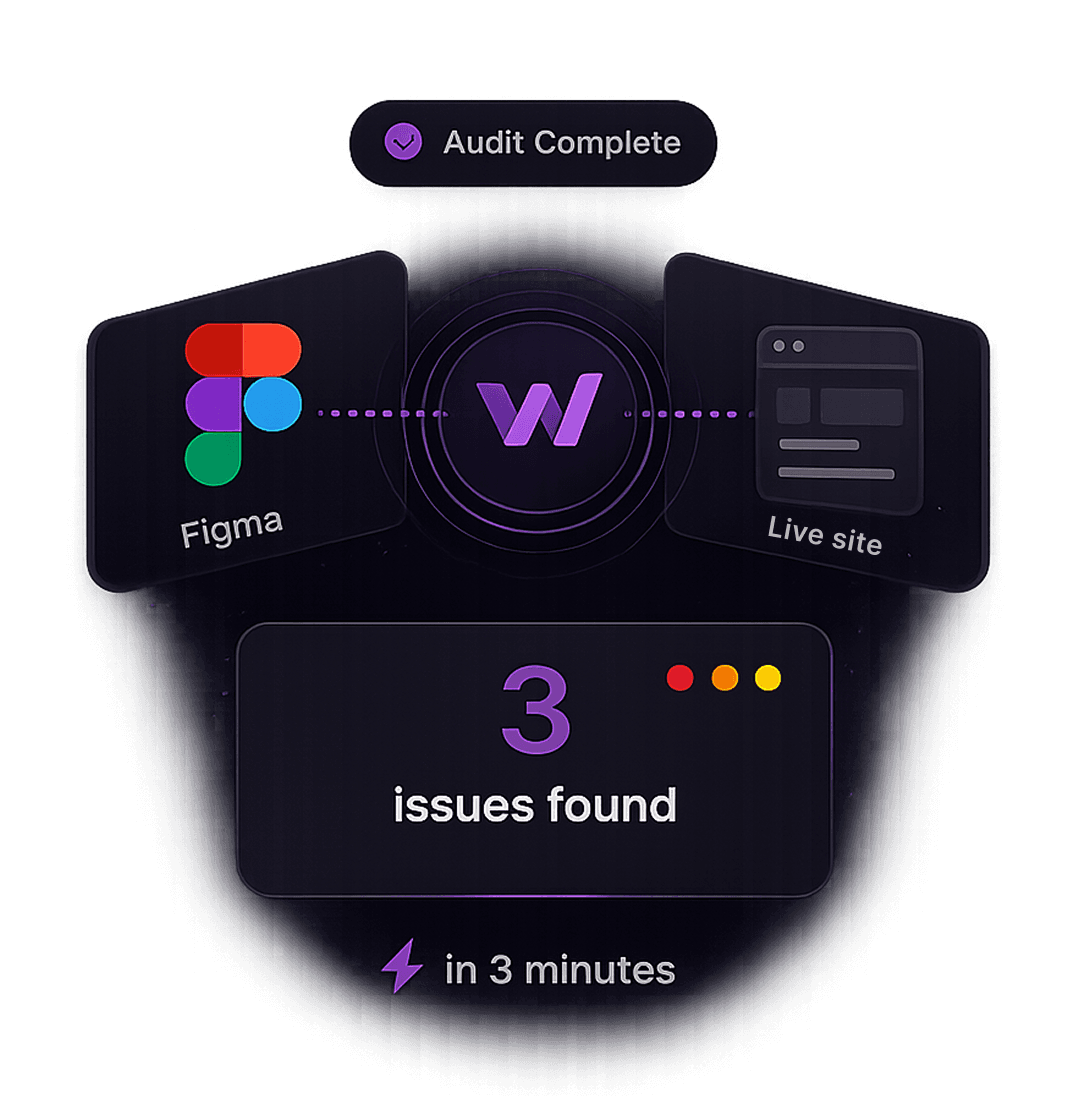
Whoogy is an AI-powered QA tool that compares your Figma designs against your live website, pixel for pixel. Paste a Figma link and a URL, and Whoogy flags every spacing, color, type, and layout mismatch before your users ever see them. No manual screenshot comparisons required.
Everything you need for design QA
From the first audit to the final handoff, Whoogy covers every step of comparing design against reality.
Instant Figma-to-Website Comparison
Paste your Figma link and your live website URL. Whoogy runs an AI-powered visual comparison and returns a pixel-for-pixel diff in under two minutes. No plugins, no manual screenshotting.
Automatic Design QA Sync
Connect a Figma file once and Whoogy re-checks your site every time the design updates, keeping design QA continuous instead of a one-time pre-launch scramble.
Component-Level Visual Testing
Whoogy breaks pages into components (buttons, cards, nav bars) and validates each against its Figma source individually, so you know exactly which element broke.
Responsive & Breakpoint QA
Whoogy checks every breakpoint defined in your Figma file (mobile, tablet, desktop) against the matching live viewport automatically.
Typography & Color Drift Detection
Catch font mismatches, incorrect weights, off-brand colors, and inconsistent spacing tokens, the small inconsistencies that erode design fidelity over time.
One-Click QA Reports
Every audit produces a shareable report with side-by-side screenshots and an annotated punch list, ready to drop into a ticket or Slack thread.
Design-to-Dev Handoff, Simplified
Give designers and engineers one shared source of truth. Whoogy shows the diff, so handoff stops depending on someone's opinion of what looks 'off.' Downloadable reports to share with the dev team.
Time saver
No wait, your report comes to the dashboard automatically, in under 3 minutes.

Ship it exactly as designed.
Get started and see Whoogy compare a live site against Figma in real time.